01
Launch AEGIS
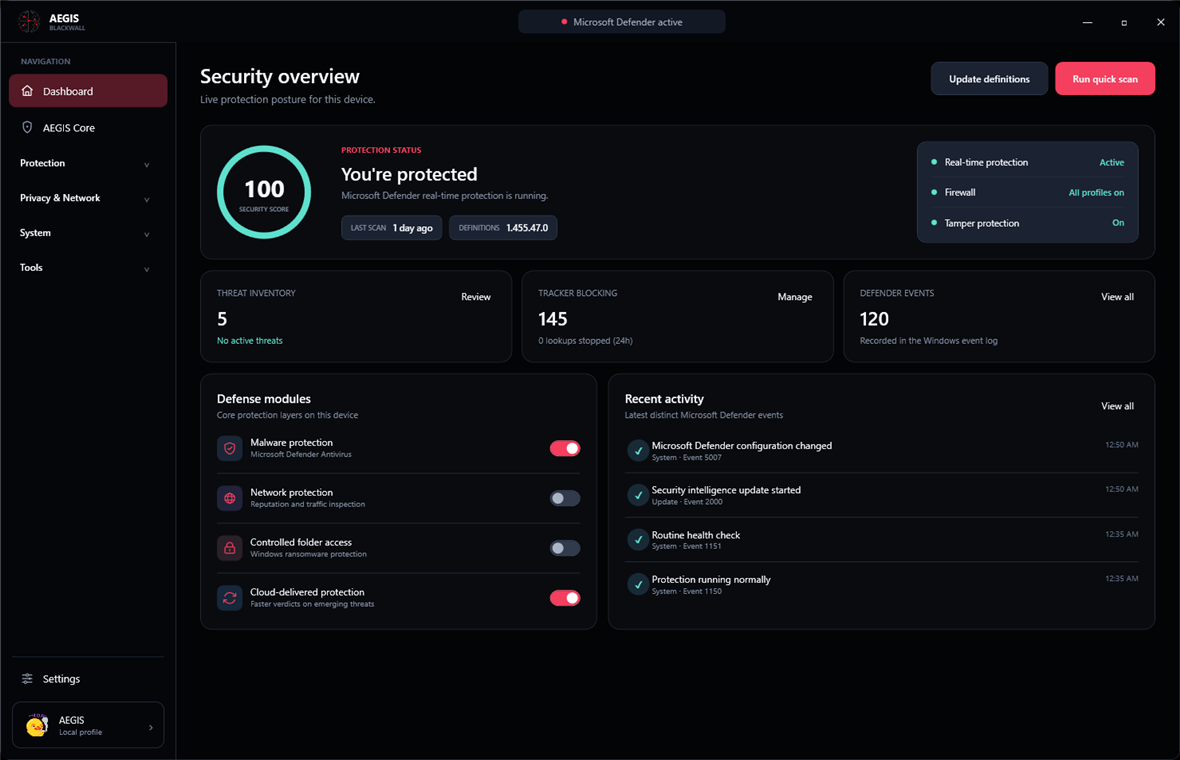
Open one focused workspace for Windows protection, privacy, network, the AEGIS Core app firewall, startup, and Windows Update status.
 AEGISBLACKWALL
Download
AEGISBLACKWALL
Download
Five clear stages turn complex Windows security information into understandable, user-approved action.
Open one focused workspace for Windows protection, privacy, network, the AEGIS Core app firewall, startup, and Windows Update status.
AEGIS reads current Defender, firewall, drive, startup, privacy, network, and Windows Update state directly on your PC.
See what is protected, what needs attention, and why a recommended change matters before doing anything.
Nothing is applied silently. You choose the setting, confirm the action, and approve administrator access when Windows requires it.
AEGIS reads the Windows state again, confirms the result, and keeps the current status visible from the dashboard.
Explore the feature set